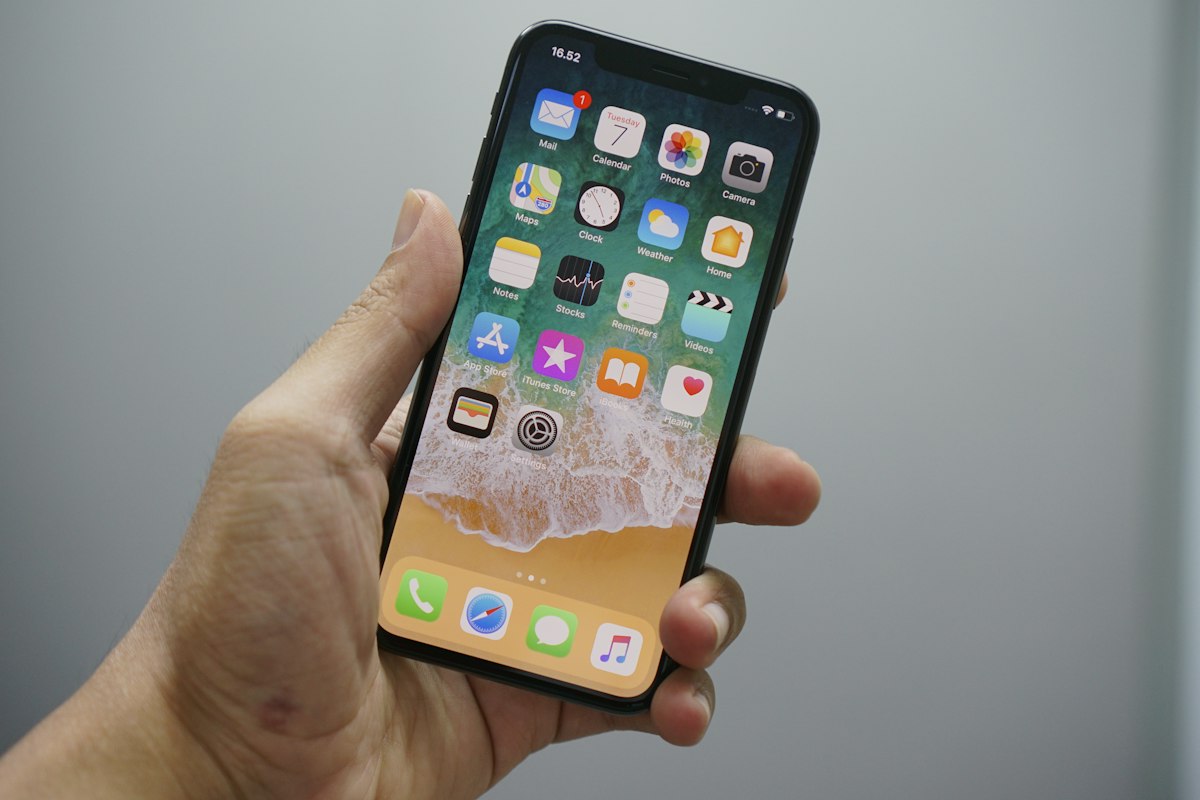
Your iPhone was configured by engineers in Cupertino to work for Apple's ecosystem. Some of those defaults are sensible. Others quietly drain your battery, share more data than you'd choose, and slow down your experience. Here are 12 things worth changing today.
Battery & Performance
1. Turn off Background App Refresh for apps that don't need it. Go to Settings → General → Background App Refresh. Most apps don't need to update in the background. Turn this off for everything except maps, calendar, and messaging apps you actively use.
2. Enable Optimised Battery Charging. Settings → Battery → Battery Health & Charging. This slows charging above 80% to reduce battery wear. If you charge overnight, this adds years to your battery's lifespan.
3. Reduce motion. Settings → Accessibility → Motion → Reduce Motion. The parallax and animation effects look nice but consume more processing power and can make the interface feel sluggish on older models.

Privacy
4. Audit your location permissions. Settings → Privacy & Security → Location Services. Any app with "Always" access is tracking your movement continuously. Most should be set to "While Using" or "Never."
5. Turn off personalised ads. Settings → Privacy & Security → Apple Advertising → turn off Personalised Ads. This doesn't reduce the number of ads you see, but it stops Apple from using your data to target them.
6. Disable Significant Locations. Settings → Privacy & Security → Location Services → System Services → Significant Locations. Your phone is logging everywhere you go and how often. Turn it off.
Usability
7. Set your default browser and email app. Settings → Apps → find your preferred browser or email client → Default Browser App / Default Mail App. Safari and Mail are fine, but you might prefer something else.
8. Turn on Back Tap. Settings → Accessibility → Touch → Back Tap. Double or triple tapping the back of your phone can trigger actions — screenshot, scroll up, open any shortcut. Genuinely useful.
9. Schedule a Focus mode for work hours. Settings → Focus. This silences notifications from apps and people outside your approved list. Set it to turn on automatically during your work hours and off at 6pm.
10. Turn off raise to wake if you use Face ID. Settings → Display & Brightness → Raise to Wake. If you prefer Face ID, this is an unnecessary battery drain.
11. Enable haptic keyboard feedback. Settings → Sound & Haptics → Keyboard Feedback → Haptic. A subtle vibration as you type — many people find it makes typing faster and more satisfying.
12. Check which apps can see your clipboard. Any time an app accesses your clipboard, iOS shows a notification. Pay attention to which apps do this without obvious reason. It's more than you'd expect. Forward this to someone who just got a new iPhone.