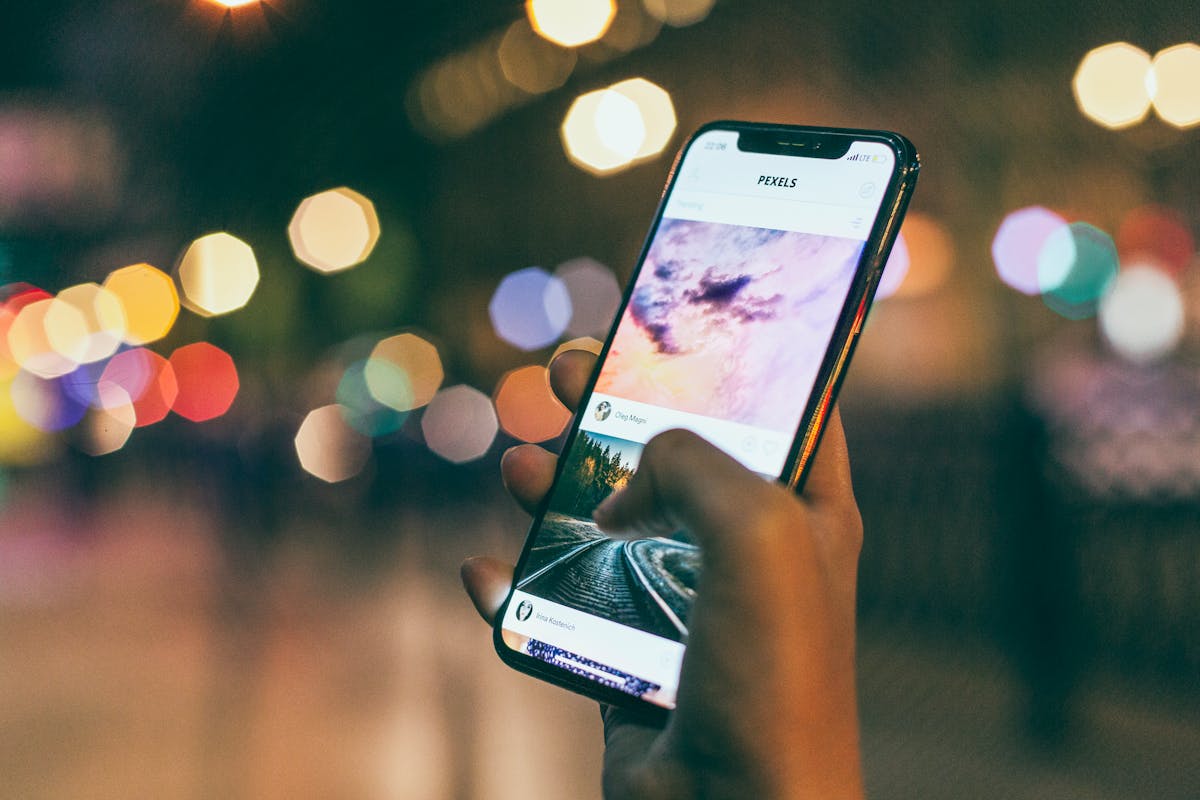
You have been using your Android phone every single day. You text, scroll, take photos, stream videos. But here is the truth: most people use less than 20% of what their phone can actually do.
Whether you are on a Samsung Galaxy, Google Pixel, Xiaomi, Tecno, or Infinix, these seven hidden features work right now and will make your phone feel brand new. No downloads required.
1. One-Handed Mode — Shrink Your Screen in Seconds
Modern phones keep getting bigger. One-Handed Mode shrinks your entire display down to the corner of the screen so your thumb can reach everything without stretching.
- Samsung: Settings → Advanced Features → One-Handed Mode
- Xiaomi / Tecno / Infinix: Settings → Additional Settings → One-Handed Mode
- Google Pixel: Settings → System → Gestures → One-Handed Mode
Once enabled, swipe down from the bottom centre of your screen. The display drops instantly. Tap outside the shrunk area to exit.
2. Secure Folder — Your Private Space Inside Your Phone
Imagine a hidden compartment inside your phone with its own PIN, fingerprint, or face unlock — completely separate from the rest of your device.
On Samsung devices: Settings → Biometrics and Security → Secure Folder. You can even install a second copy of any app inside — two WhatsApp accounts, a private Instagram, a hidden Gallery.
Xiaomi users have Second Space (Settings → Special Features → Second Space). Tecno and Infinix users should look for Private Zone under Settings → Privacy.
3. Split Screen — Run Two Apps Simultaneously
Long press the Recent Apps button and select Split Screen. Choose your second app. Both run live simultaneously — drag the divider to adjust space. Samsung Galaxy users also get Pop-Up View — a floating mini app window over your main app.
4. Developer Options — Make Your Phone Feel Faster Instantly
Go to Settings → About Phone and tap Build Number seven times. Developer Options appears in Settings. Inside, set Window Animation Scale, Transition Animation Scale, and Animator Duration Scale to 0.5x. Your phone's animations now run at twice the speed — everything feels faster instantly.
5. Screen Recorder With Internal Audio
Swipe down your notification shade and look for Screen Recorder in your quick settings tiles. The built-in recorder captures internal audio, microphone, or both — with no watermark, no time limit, no subscription. Recordings save directly to your gallery.
6. Live Transcribe — Real-Time Speech to Text
Settings → Accessibility → Live Transcribe converts spoken words into text on your screen as they happen — in real time, in dozens of languages, with no internet connection required for basic use. Available on most Android devices via the Play Store.

7. Quick Share — Wireless File Transfer That Actually Works
Quick Share transfers files, photos, links, contacts, and folders wirelessly between Android phones, tablets, Chromebooks, and Windows PCs. Find it at Settings → Connected Devices → Quick Share. Speeds are fast enough to send a 1GB file in seconds when devices are close.
Frequently Asked Questions
Do these features work on all Android phones?
Most do. Developer Options, Screen Recorder, and Quick Share are available on virtually every Android phone running Android 10 or later. Secure Folder is Samsung-specific, Second Space is Xiaomi-specific, and Live Transcribe is available via the Play Store on any Android device.
Is it safe to enable Developer Options?
Yes, as long as you only change the animation speed settings. The animation scales are completely safe and easy to reverse at any time.
Will Split Screen drain my battery faster?
Running two apps at once uses slightly more CPU and RAM, which can modestly increase battery drain. For a deeper look at keeping your battery healthy, check out our guide on how to make your Android battery last all day.
The Bottom Line
Your Android phone is more powerful than you are giving it credit for. These seven features are sitting there right now — installed, ready, and free. None require a new phone or a paid app.
And if you are curious about how AI is being built directly into these same phones to make them even smarter, read our full breakdown of why AI phones are becoming the future of smartphones.