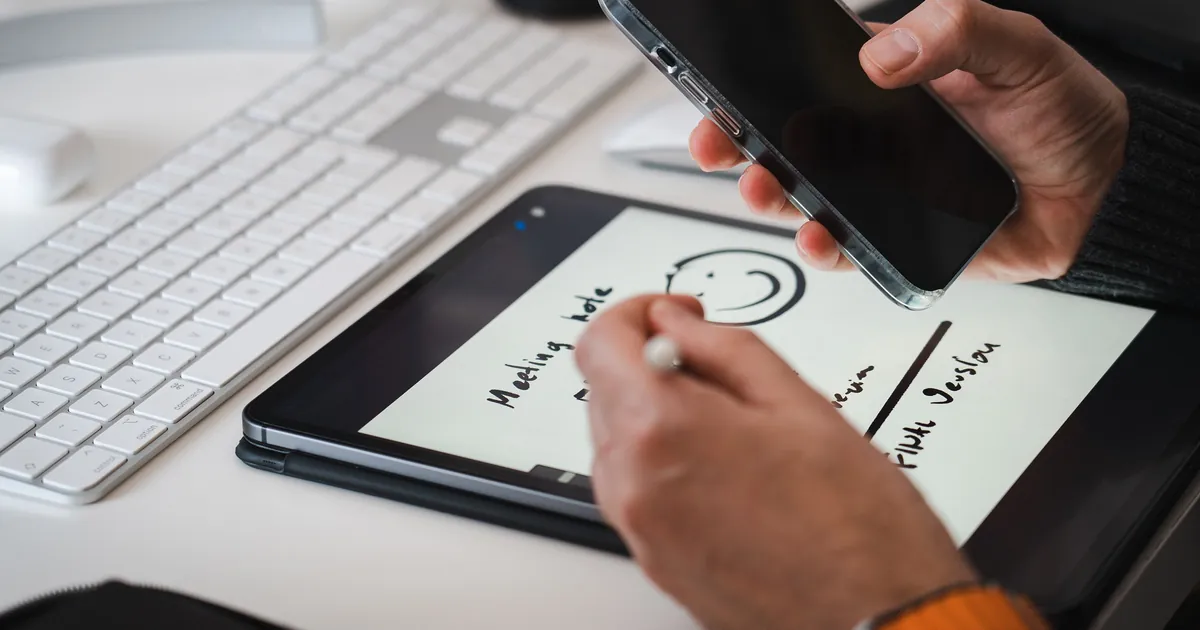
Screens that glow, buzz and beg for attention are exactly what an e ink tablet leaves out. That is the same impulse behind the return of simpler, more intentional gadgets. The real question is whether one is worth the money.
Quick Answer
An e ink tablet is a paper-like device for reading, handwriting and marking up documents, with a battery that lasts weeks, not hours. It suits people who read long files or take handwritten notes and want fewer distractions. For note-taking, the reMarkable Paper Pure ($399) is the easiest place to start, according to reviewers. If you mostly read novels, a Kindle costs far less. If you want one device for everything, skip e ink.
Best E Ink Tablets by Use
These picks come from published expert reviews and manufacturer specs, not hands-on testing by Scrolltek. Prices are US list prices checked in October 2026 and change often. Where a model supports a stylus, the pen is included unless noted.
| Best for | Pick | US price | Why it stands out | Main catch |
|---|---|---|---|---|
| Reading books | Kindle Paperwhite (2026) | $199.99 | Waterproof, warm light, up to 12 weeks of battery | Amazon ecosystem only; ships Oct. 28 |
| Handwriting notes | reMarkable Paper Pure | $399 | Widely praised writing feel, up to 3 weeks of battery | No front light, no color, paid Connect features |
| PDFs and work | Boox Go 10.3 (Gen II) Lumi | $449.99 | Android 15, Google Play, 300 ppi, front light | Android invites distractions; some lag |
| Budget | Boox Go 6 (Gen II) | $199, pen extra | Pocket-size, Android, microSD slot | 6-inch screen, old Android 11 |
| Color | Boox Note Air5 C | $529.99 | 10.3-inch color, Android 15, pen and case included | Muted color at 150 ppi |
In a reMarkable vs Boox vs Supernote decision, the real difference is philosophy. reMarkable is a closed, writing-first notebook. Boox is an Android tablet with an e ink screen. Supernote pairs a writing-focused system with a replaceable battery and an upgradable motherboard.
As an e ink tablet for note taking, the reMarkable Paper Pure, launched in May 2026, replaced the reMarkable 2 at the same $399 price. It adds a faster processor, a larger battery and 32GB of storage, according to Liliputing's launch coverage. It has no front light and no keyboard accessory support, so it suits well-lit rooms and handwriting, not typing. Reviewers at TechRadar, PopSci and Engadget praise its writing feel, while Digital Trends and Android Authority fault the missing front light and subscription-gated features.
The Boox Go 10.3 (Gen II) series arrived in March 2026 with Android 15 and, on the Lumi model, a front light, starting at $419.99. Full Google Play access lets you install cloud and library apps. Creative Bloq's review notes a little flicker and lag, and a stylus that needs charging.
If you want an e ink tablet for reading, a plain e-reader may be all you need. Amazon's October 2026 redesign made the Kindle Paperwhite thinner and lighter, with up to 12 weeks of battery, and the new 6-inch Kindle starts at $149.99. If you prefer an open-format ecosystem with library lending, the Kobo Libra Colour launched at $219.99 and works with Kobo's stylus, sold separately. Kobo's larger Elipsa 2E, a 2023 model, listed at $399.99 with a stylus.
Also worth a look. The Supernote Manta costs $505 without a pen and has a 10.7-inch screen, a replaceable battery and no front light, per Supernote's store. Amazon's 11-inch Kindle Scribe starts at $429.99 without a front light, $499.99 with one, and $629.99 as the Colorsoft. The reMarkable Paper Pro adds an 11.8-inch color screen and a reading light for $629 with a Marker, according to reMarkable's store, and the pocket-size Paper Pro Move costs $449.
What to check before you buy
- Screen size: 6 to 8 inches fits a pocket; 10 to 11 inches suits full-size documents.
- Front light: The Paper Pure and the Supernote devices have none, so plan on good room light.
- Software: Closed systems stay focused; Android adds apps and distractions.
- Pen: Check whether it is included and whether it needs charging.
E Ink Tablet vs iPad vs Regular E-Reader
The three device types solve different problems, so the comparison is about trade-offs, not winners.
| E ink tablet | iPad | Regular e-reader | |
|---|---|---|---|
| Best at | Handwriting, PDFs, focus | Apps, video, speed, color | Reading books |
| Screen | Reflective, slow refresh, black and white or muted color | Backlit LCD | Reflective, 6 to 7 inches |
| Battery | Days to weeks | Up to 10 hours, per Apple | Up to 6 to 12 weeks, per Amazon |
| US price | About $400 to $680 | iPad Air (M4) launched at $599 | From $149.99 |
An iPad wins on range. The iPad Air launched at $599 in March 2026, close to a Paper Pro's price, and it does far more, though the Apple Pencil costs extra. An e ink tablet wins on focus, battery life and writing feel, while a regular e-reader wins on cost for reading. If you are weighing an e ink tablet vs iPad, ask which one you will pick up when you need to concentrate.
How E Ink Works
E ink screens hold millions of tiny capsules filled with charged black and white particles. A small electric field moves the particles up or down, so each spot looks black or white. Two things follow. The screen reflects room light instead of producing its own, and it uses power only when the image changes.
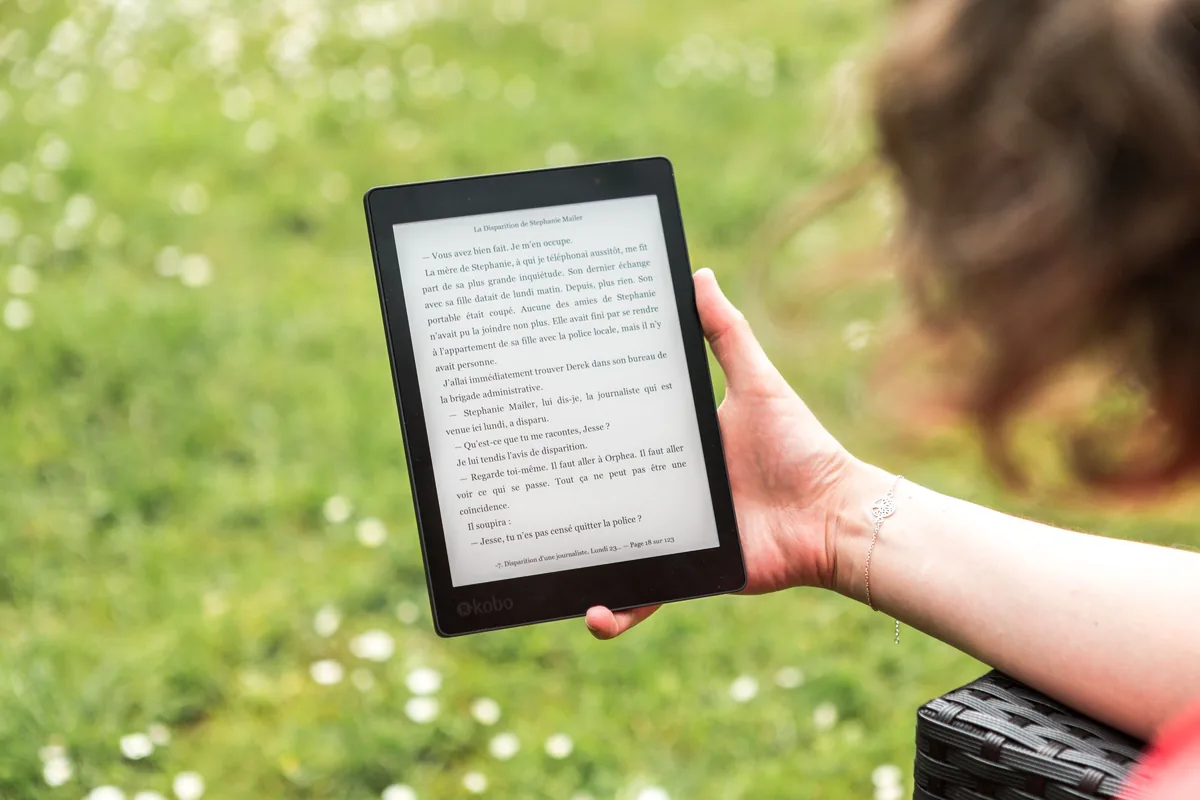
That is why e ink stays readable in sunlight and why a static page costs almost nothing to display. Front-lit models add a light that shines onto the screen for dark rooms. Many color panels, such as Kaleido 3, place a color filter over black-and-white ink, which is why color looks muted and sits at 150 ppi while black text reaches 300 ppi.
Eye Strain: What the Evidence Actually Says
The popular claim is that e ink is easier on the eyes than a tablet. The research supports a smaller version of that claim.
A 2013 PLOS ONE study had 12 adults read for more than an hour on a Kindle Paperwhite (e ink), a Kindle Fire HD (LCD) and a paper book. The LCD tablet caused more visual fatigue, measured by blink rate and a self-reported scale, while e ink and paper did not differ. The paper also cites earlier work that found no difference between an e ink reader and a first-generation iPad.
Both studies used small groups, older devices and short sessions, and neither tested long-term effects. The American Academy of Ophthalmology says screen eye strain mostly comes from blinking less, does not cause lasting damage, and that blue light from screens has not been shown to harm the eye.
So an e ink tablet is a reasonable way to cut glare and screen brightness during long reading sessions, not a guaranteed fix. Front-lit models add their own light, so brightness still matters. Taking breaks helps on any screen (every 20 minutes, look 20 feet away for 20 seconds), and symptoms that persist deserve an eye exam.
Battery Life
Battery life is where e ink wins clearly, though ratings depend heavily on how you use the device.
- reMarkable Paper Pure: up to three weeks at one hour of use a day.
- reMarkable Paper Pro: about two weeks for two hours of writing, five days a week.
- Kindle Paperwhite (2026): up to 12 weeks; new base Kindle, up to six weeks.
- Kindle Scribe: weeks, but writing drains it much faster than reading.
- Boox Go 10.3 (Gen II): several weeks on light use, less with apps and the front light.
- iPad Air (M4): up to 10 hours of browsing or video on Wi-Fi.
These are manufacturer ratings or reviewer estimates under set conditions. Wi-Fi, front-light brightness and heavy annotation all shorten them.
The Downsides
Slow refresh and ghosting
E ink redraws more slowly than a glass screen, so scrolling and animation look choppy and video is not practical. Faint ghost images can linger after you erase writing. Newer panels are better: Mashable found almost no ghosting on the 2025 Kindle Scribe, though light ghosting appears when erasing. Creative Bloq still noted a little flicker and lag on the Boox Go 10.3 Lumi.
Limited color
Color e ink is muted. Kaleido 3 panels, used by Boox and Kobo, show 4,096 colors at 150 ppi, against 300 ppi in black and white. That works for highlights, charts and comics, but not photos or video. E Ink announced Kaleido 4 on October 15, 2026, claiming double the color gamut and 50% more contrast. The first device is a Hanvon notebook sold in China, and Amazon and Kobo have not announced devices, so color buyers may want to wait.
Software limits
reMarkable tablets have no app store or browser and cannot open DRM-protected Kindle or Kobo books, according to Creative Bloq. The Kindle Scribe keeps you inside Amazon's ecosystem. Boox runs full Android, which adds flexibility but makes it a poor fit for a digital detox, as Creative Bloq also points out.
Price, subscriptions and accessories
These are premium prices for single-purpose devices. reMarkable's Connect subscription costs $4 a month or $39 a year, according to Liliputing, and gates handwriting search, cloud sync and note-taking in its apps. Without it, only files used in the last 50 days stay in the cloud. A Book Folio adds $89 and a Type Folio keyboard $229 for the Paper Pro, and Supernote ships without a pen. If you care where your notes live, read our guide to privacy-first gadgets before turning on cloud sync.
Availability outside the US
Check shipping, import duties and warranty before you order. When checked in October 2026, reMarkable's Paper Pro store page listed no African countries among its shipping destinations, while Supernote's store lists Nigeria. Prices in this guide are US prices, and local prices, taxes and duties vary.
Who Should Buy One, and Who Should Skip
Buy one if you:
- Read long PDFs, papers or contracts most days. Students juggling readings and lecture notes are a natural fit, particularly if they already lean on AI tools for studying.
- Think better by hand and want digital, organized notes. If your task list keeps failing, see why most to-do lists break; a single notebook can be a simpler system.
- Want a screen you can read outdoors and charge every few weeks.
Skip it if you:
- Mostly read novels. A Kindle or Kobo costs less and is the better reading device, according to reviewers.
- Want video, games or fast apps. An iPad is the better single device.
- Type more than you write. The Paper Pure has no keyboard accessory, and the Paper Pro's Type Folio adds $229.
- Only want less phone time. A simpler dumb-tech approach may cost far less.
Frequently Asked Questions
Is an e ink tablet better for your eyes?
It may be easier than an LCD tablet for long reading. A small 2013 study found more visual fatigue on an LCD tablet than on e ink or paper. The American Academy of Ophthalmology says screen eye strain is temporary and linked to blinking less. Take breaks on any screen, and see an eye doctor if symptoms persist.
What is the best e ink tablet in 2026?
It depends on the job. For handwriting, reviewers favor the reMarkable Paper Pure ($399). For PDFs and Android apps, the Boox Go 10.3 (Gen II) Lumi ($449.99) is a strong pick. For color, consider the Boox Note Air5 C ($529.99) or reMarkable Paper Pro ($629). For books alone, a Kindle Paperwhite costs less.
Are e ink tablets worth it?
They are worth it if you handwrite notes or read long documents most days and value focus and battery life. They are poor value if you expect an iPad replacement, because refresh is slow and many models have no app store. Many readers who only read books are better served by a cheaper Kindle or Kobo.
Can you use an e ink tablet for work?
Yes, for reading and marking up documents, handwriting meeting notes and planning. Some models connect to calendars, Google Drive or OneDrive. They are not laptop replacements: refresh is slow, multitasking is limited and typing is awkward. A focused second device alongside a laptop is the realistic setup.
Is color e ink good yet?
It is useful, not vivid. Color e ink suits highlights, charts, comics and annotated PDFs, but colors look muted and refresh is slow. Kaleido 3 panels show 4,096 colors at 150 ppi. E Ink announced Kaleido 4 in October 2026, but Amazon and Kobo have not announced devices yet.
E ink tablet vs Kindle: which should you buy?
A standard Kindle is for books and costs $149.99 or more. An e ink tablet adds a larger screen and a stylus for handwriting and PDF markup. Amazon's Kindle Scribe sits between them, with an 11-inch display, pen and Kindle store from $429.99. Choose by whether you write as much as you read.
Conclusion: Pick the Job First
Pick the job before the device. For handwriting, start with the reMarkable Paper Pure at $399. For PDFs and apps, look at the Boox Go 10.3 (Gen II) Lumi at $449.99. For books alone, a Kindle Paperwhite at $199.99 does the job for less. An e ink tablet is a tool for one kind of focus, not a replacement for a laptop or iPad. That narrow purpose is the part of the calmer-tech trend that holds up in daily use.
Own one already? Tell us what you use it for and what you wish it did better, or browse more gadget guides in Tech.